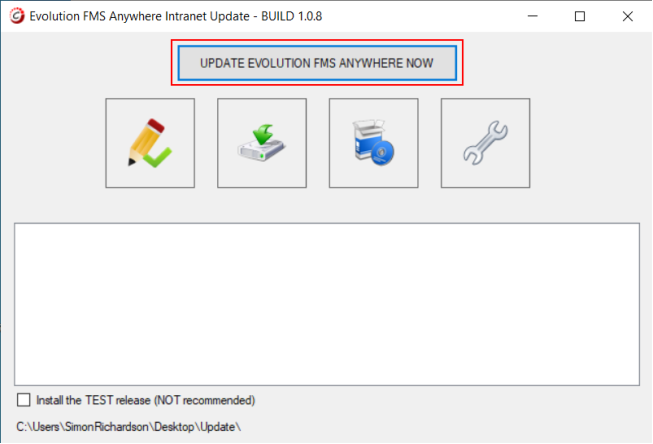
To update the intranet version of Evolution FMS please follow the instructions below (from your SERVER or SERVER PC):
Steps to perform the update

If you have any problems or questions, then please let us know.

To update the intranet version of Evolution FMS please follow the instructions below (from your SERVER or SERVER PC):
If you have any problems or questions, then please let us know.